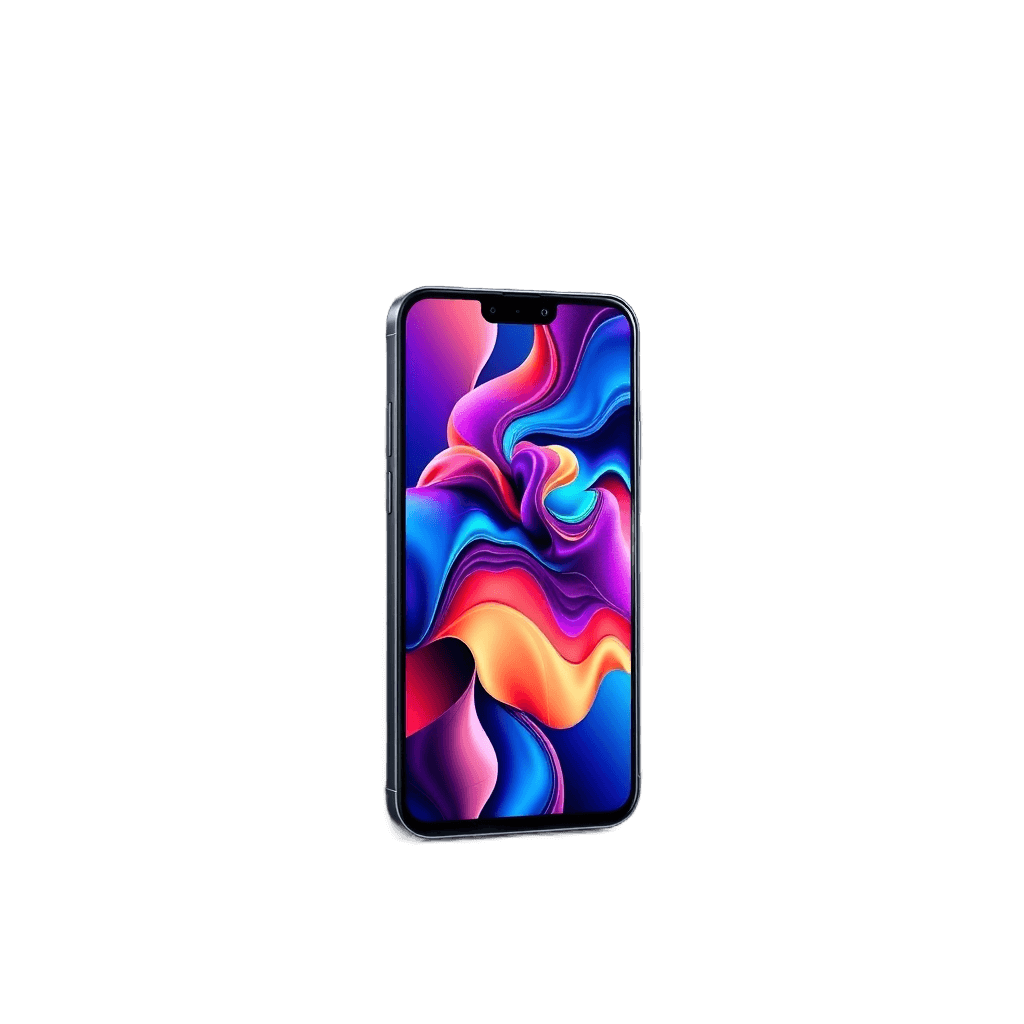
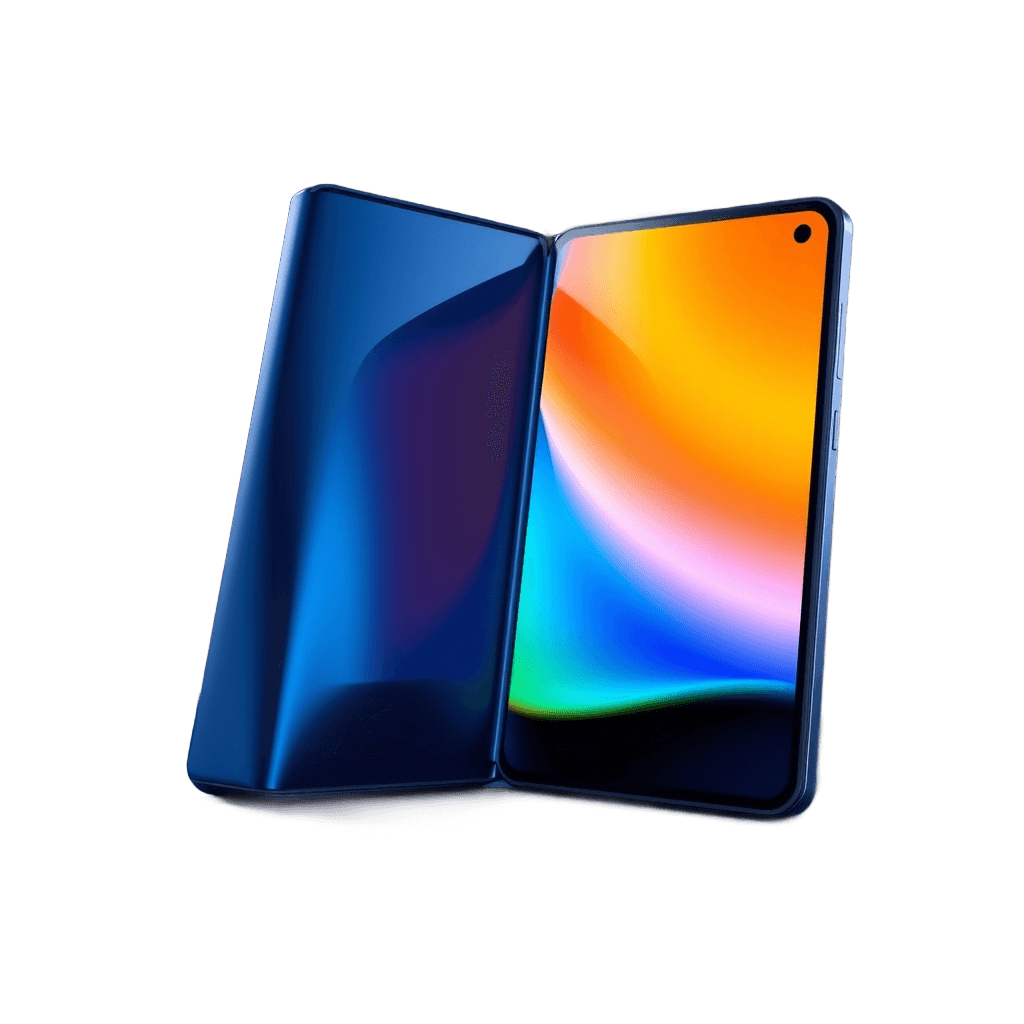
Tap a side to vote
Skip to nextWho's winning: iPad Pro or Samsung Galaxy Tab?
No votes yet — be the first to weigh in on iPad Pro vs Samsung Galaxy Tab.
The iPad Pro and Samsung Galaxy Tab are vying for dominance as the ultimate laptop replacement. People argue over which tablet can truly replicate the laptop experience. This debate centers around processing power and multitasking capabilities. The choice between these two tablets has significant consequences for productivity.
Why each side wins
📱 iPad Pro
The iPad Pro boasts desktop-class M-series power, making it a strong contender for laptop replacement. Its Tandem OLED display provides stunning visuals. The M4 chip ensures seamless performance, even with demanding tasks. This makes the iPad Pro ideal for those who need raw processing power.
🖊️ Samsung Galaxy Tab
The Samsung Galaxy Tab offers a bundled S Pen and DeX desktop mode, enhancing its productivity capabilities. The S Pen provides precise input, while DeX mode allows for a desktop-like experience. This flexibility makes the Galaxy Tab suitable for those who value multitasking and versatility.
Tale of the tape
📱 iPad Pro
- Chip
- M4
- Display
- Tandem OLED
🖊️ Samsung Galaxy Tab
- Stylus
- S Pen included
- Desktop mode
- Samsung DeX
The verdict
To weigh the choice, consider whether raw silicon or flexible multitasking is more important. Those who prioritize processing power may lean towards the iPad Pro. Others who value versatility and productivity features may prefer the Samsung Galaxy Tab.
Tech standing
Full leaderboard →iPad Pro
#63 / 110
1500 ELO
Samsung Galaxy Tab
#64 / 110
1500 ELO
Frequently asked
- What is the main difference between the iPad Pro and Samsung Galaxy Tab?
- The iPad Pro focuses on raw processing power, while the Samsung Galaxy Tab emphasizes multitasking and productivity features.
- Is the S Pen included with the Samsung Galaxy Tab?
- Yes, the S Pen is bundled with the Samsung Galaxy Tab, providing precise input and enhancing productivity.
- What is DeX desktop mode on the Samsung Galaxy Tab?
- DeX mode allows for a desktop-like experience on the Galaxy Tab, enabling users to work in a more traditional computer environment.
Join the debate
0 comments- No comments yet. Start the argument. 🐐